 flff
How it works · TM-03
Approvals and permissions.
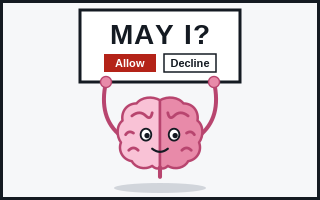
Most of what the brain does can be undone, so it just does it. Before anything that can't be undone, it stops and asks you first.
What the brain asks about
By default, these stop at a card in the chat until you answer:
| Action | Why it asks |
|---|---|
| Sending email | An email can't be unsent |
| Changing the database | Database changes aren't part of the file history |
| Using a device | It works with your hardware, outside your site |
| Scheduling tasks | A task goes on running when you're not watching |
| Forgetting history | Forgotten versions are gone for good |
| Running a command on your computer | It runs on your machine, through fluffrl |
Editing, moving and deleting your site's files don't ask: every one of those is kept in the history and can be undone.
Allow, Always allow, Decline
| Answer | What happens |
|---|---|
| Allow | The brain goes ahead, this once. |
| Always allow | The brain goes ahead, and won't ask about this again on this site. Only the site's owner can choose it. |
| Decline | The brain doesn't do it, and tells you so in the chat. |
I'll ask before I email anyone.
The Permissions list
Each site has a Permissions list: what you've chosen to always allow. Look at it, or take an entry off, and the brain asks again next time.
Commands on your computer
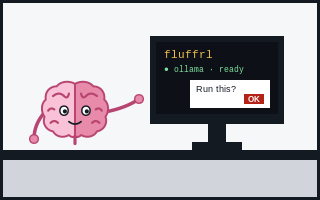
With fluffrl, the brain at any level can run commands on your computer: a build, a video conversion, a script. There are two checks:
- Each new command needs your OK in a popup on your computer. The brain can't add a command to your computer from the chat alone.
- Each run asks in the chat, unless you choose Always allow for it.
Why some things always ask
The line is simple: if flff can't put it back, you decide. A page can always be restored from the history; a sent email, a changed database record or a forgotten version can't. And a new command on your own computer is approved on that computer, by you, every time.